27 elements
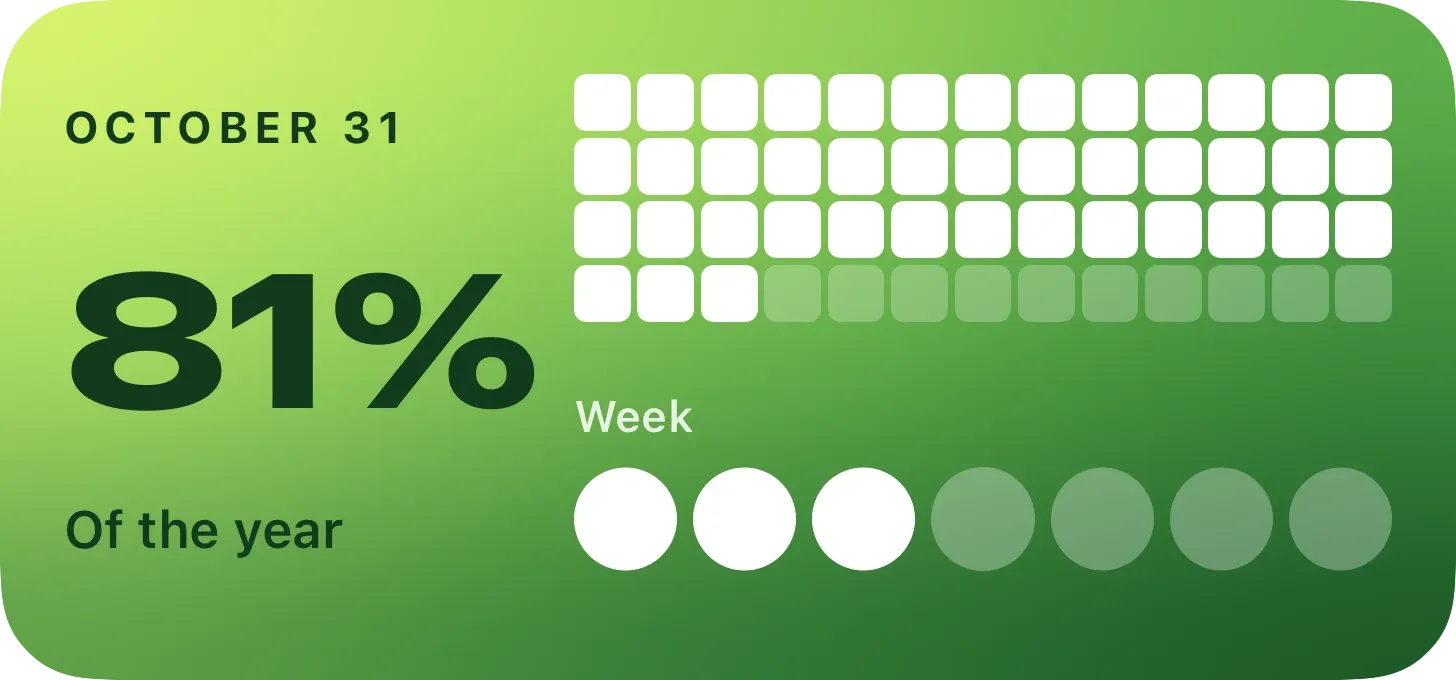
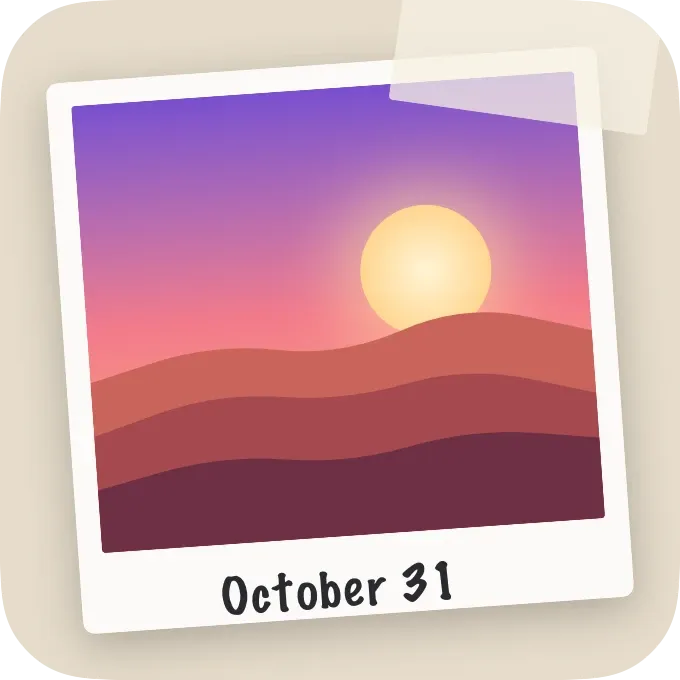
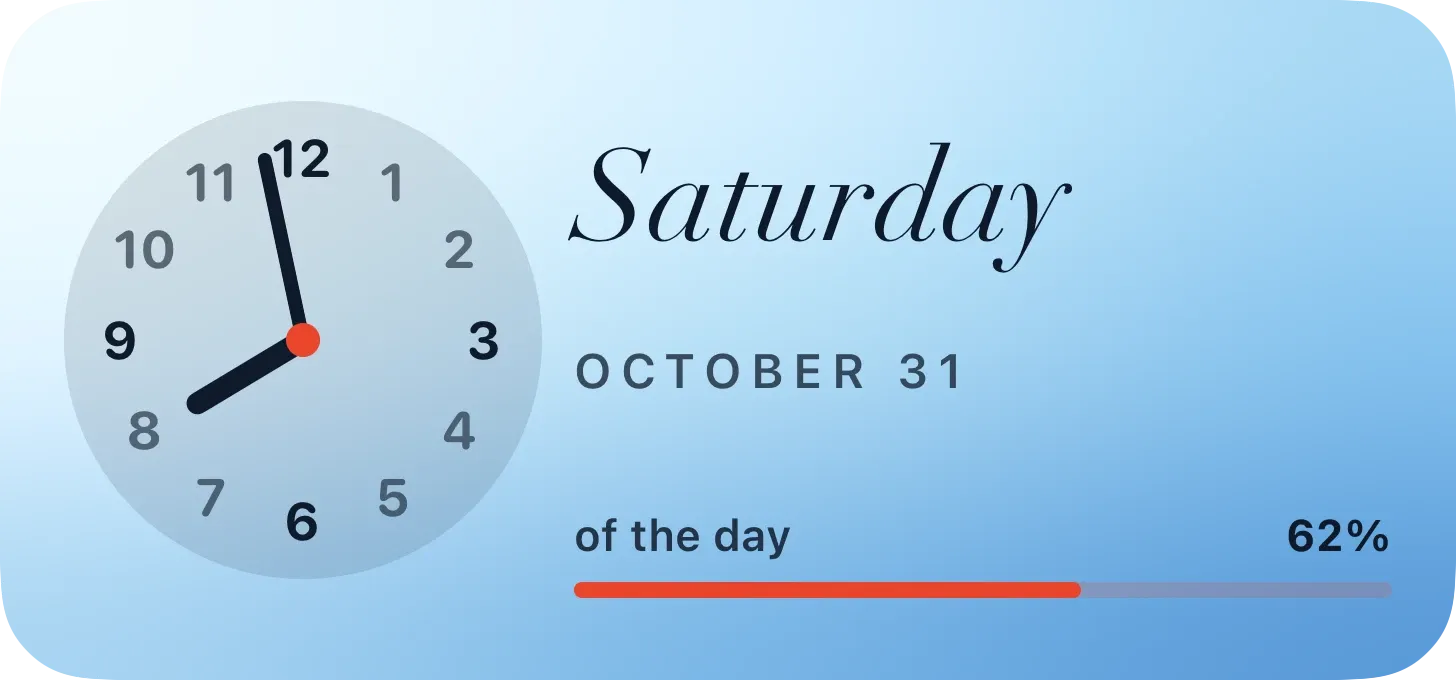
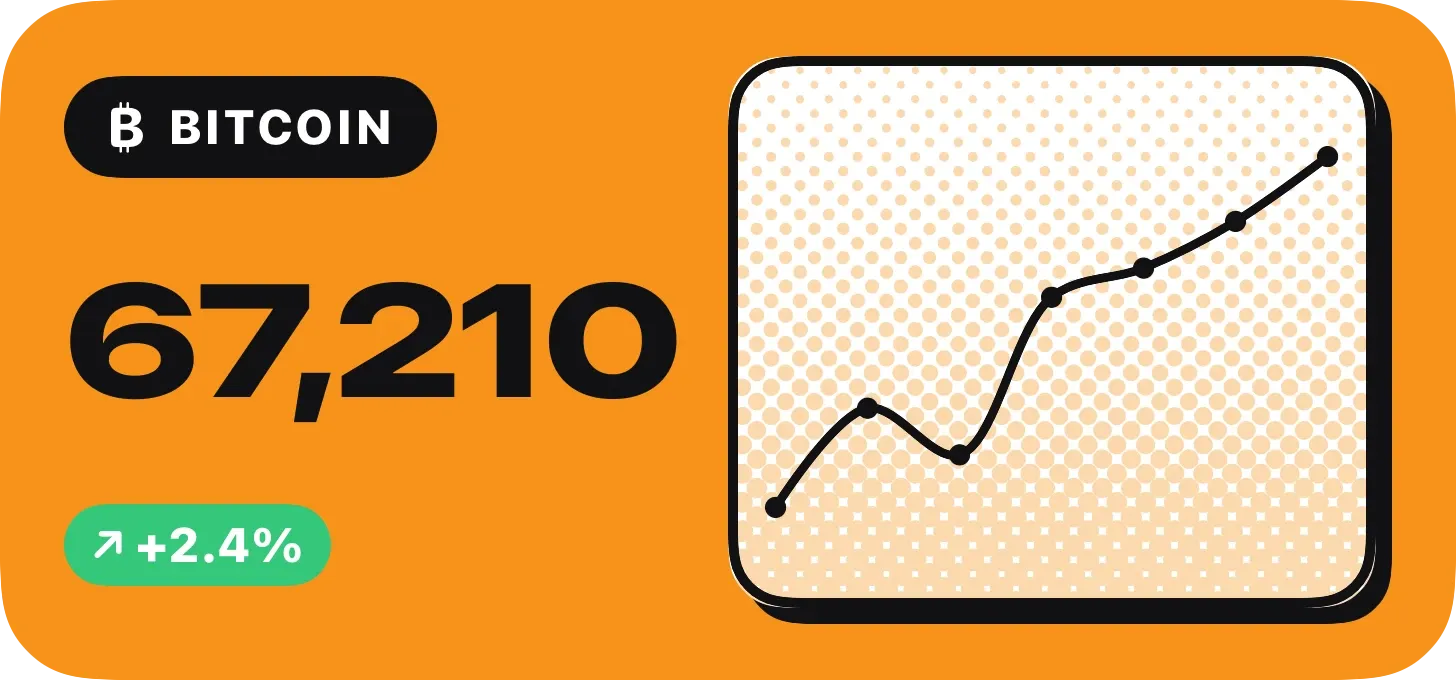
Text, numbers, rings, gauges, charts, photos, an analog clock, a month calendar, QR codes, heatmaps and more.
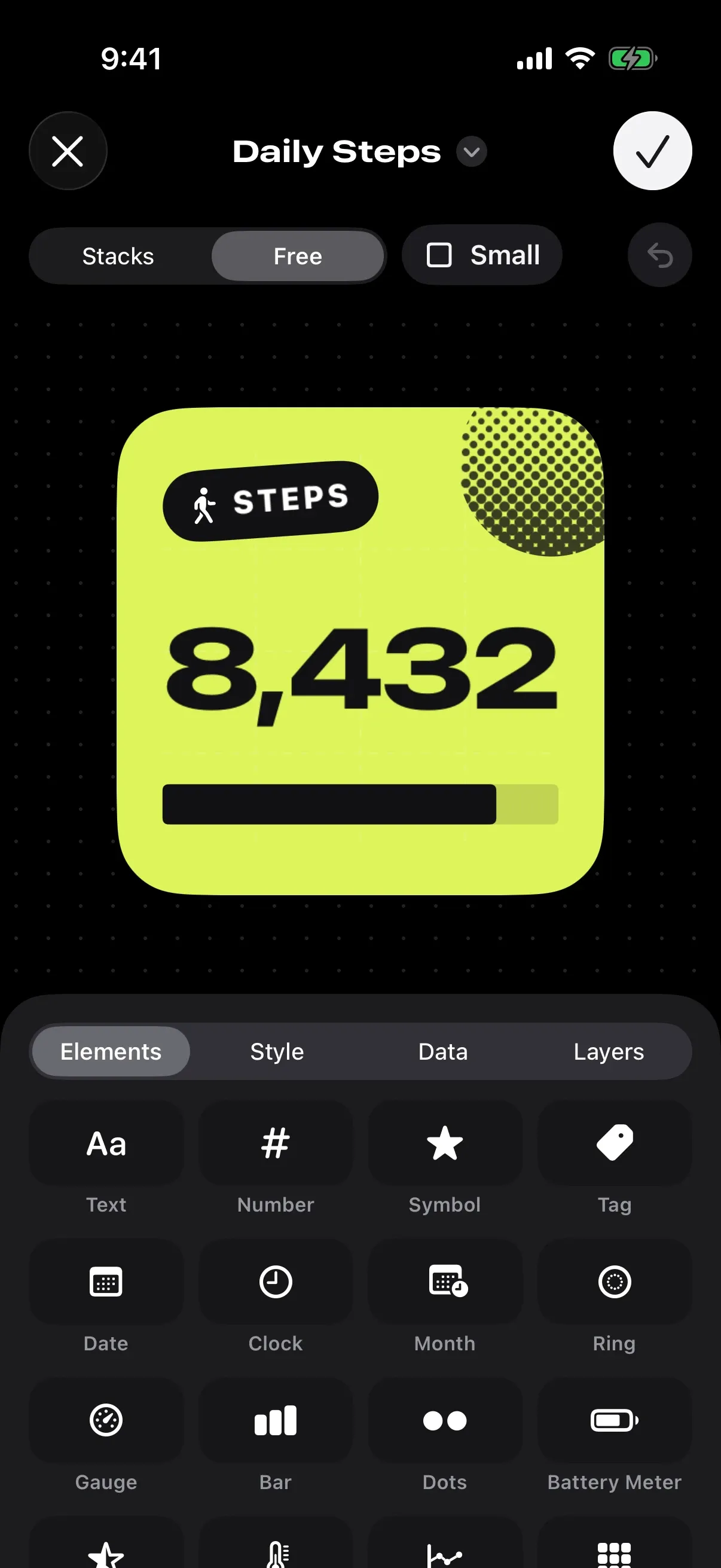
Moddo lets you build your own widgets for iPhone and iPad. Drag elements onto a canvas, connect them to your data and see the result on your Home Screen, Lock Screen and StandBy.
Coming soon
See download optionsFree, with an optional Moddo Plus
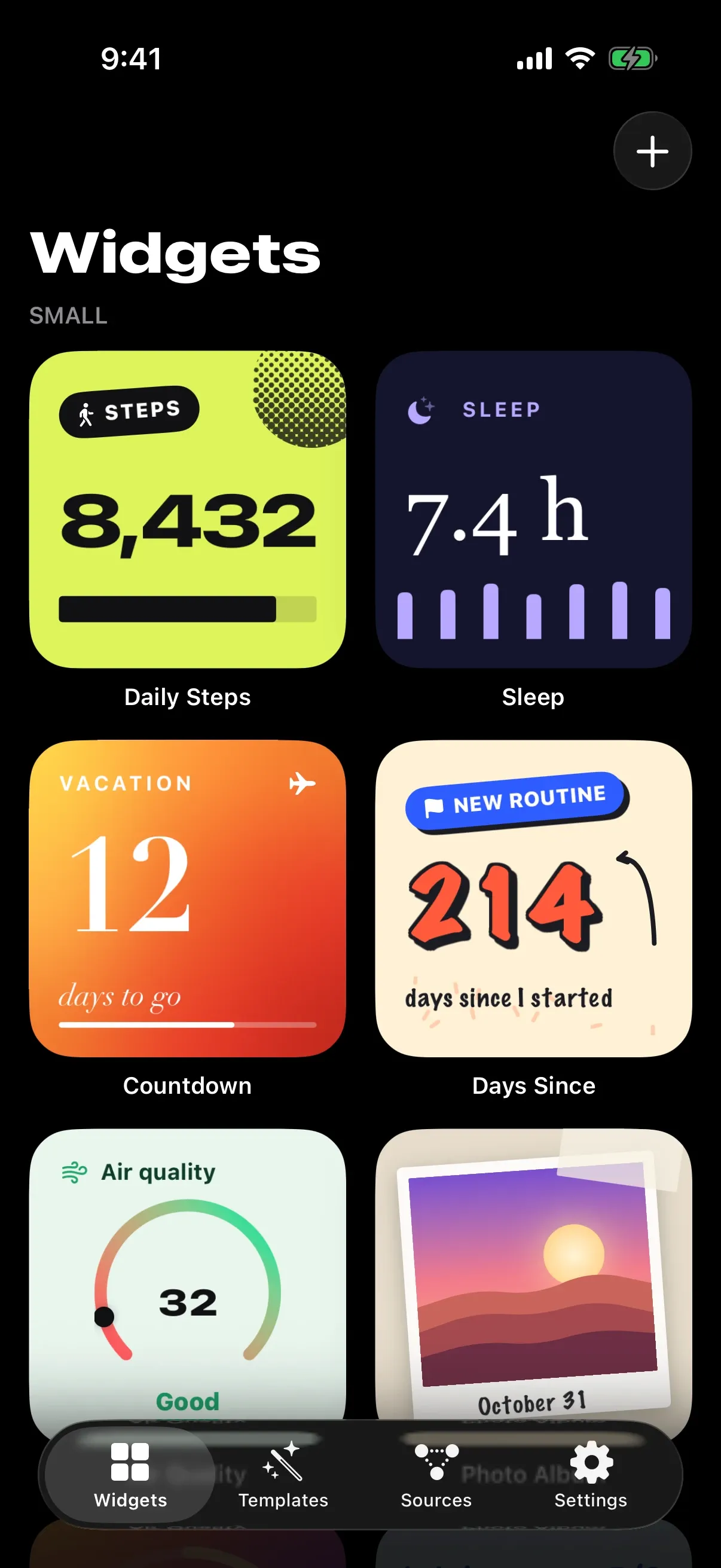
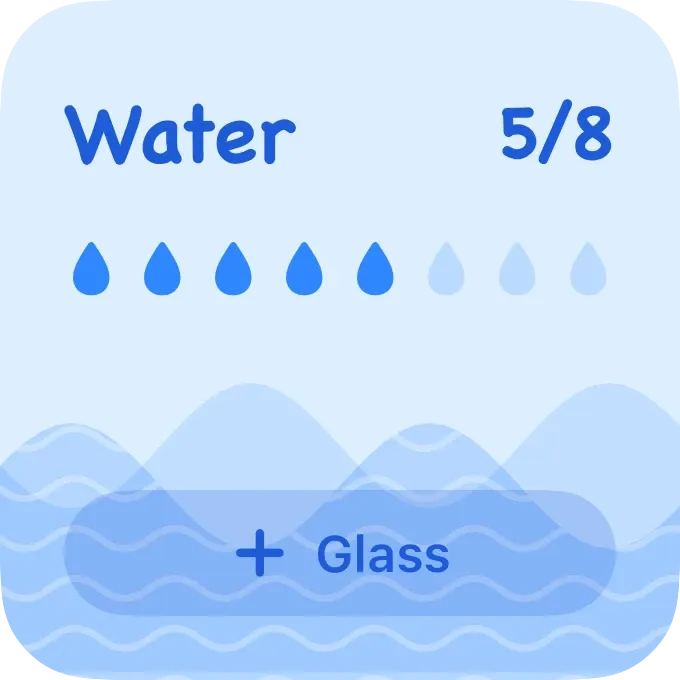
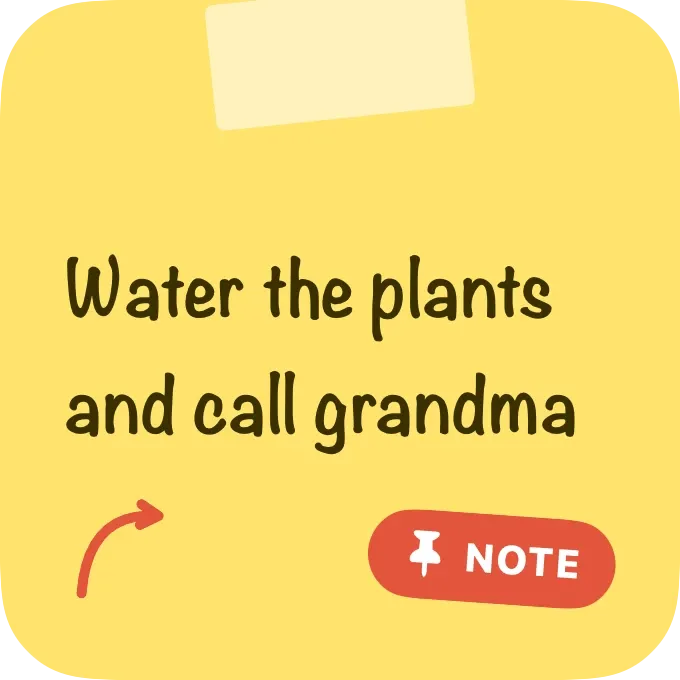
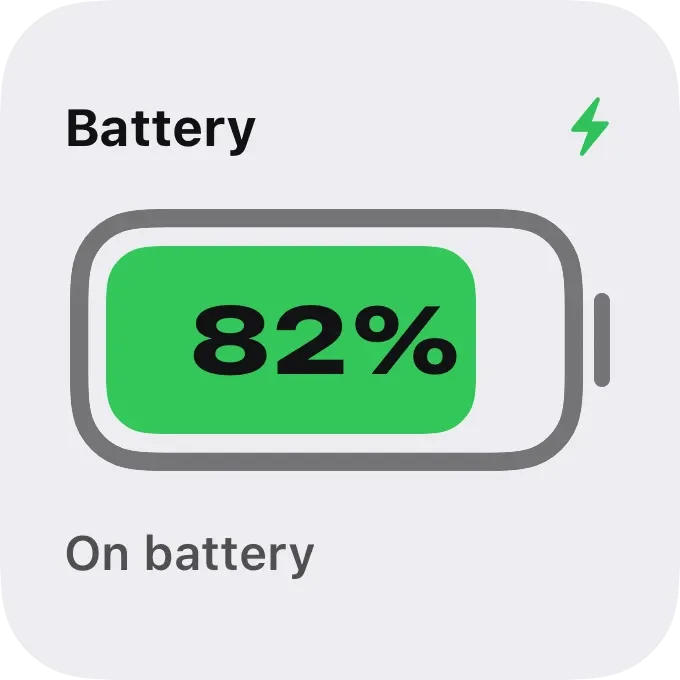
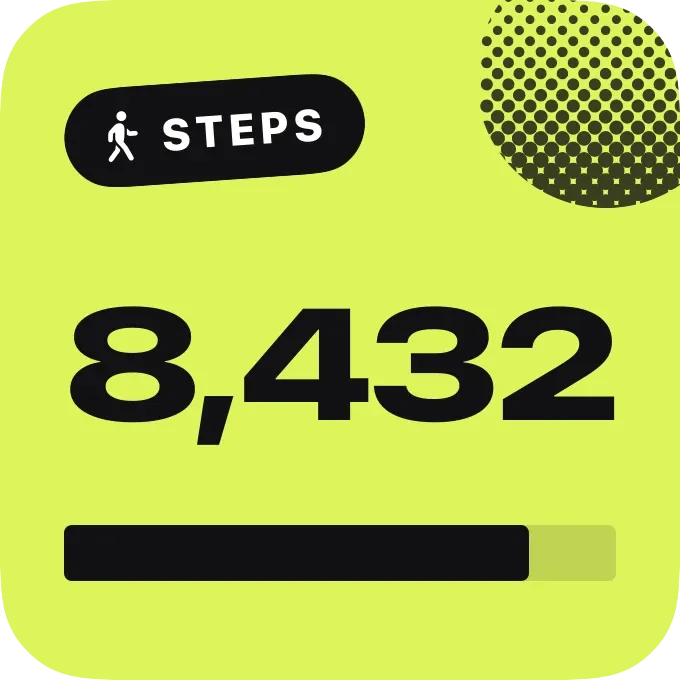
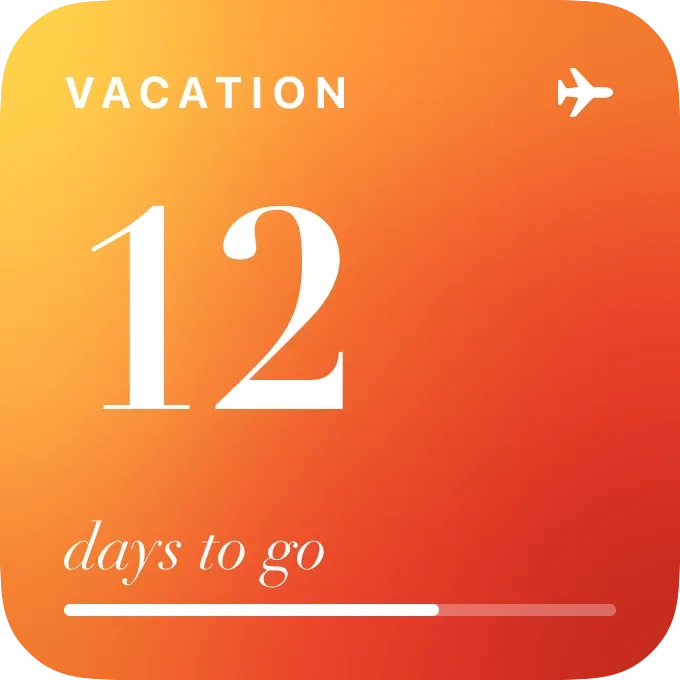
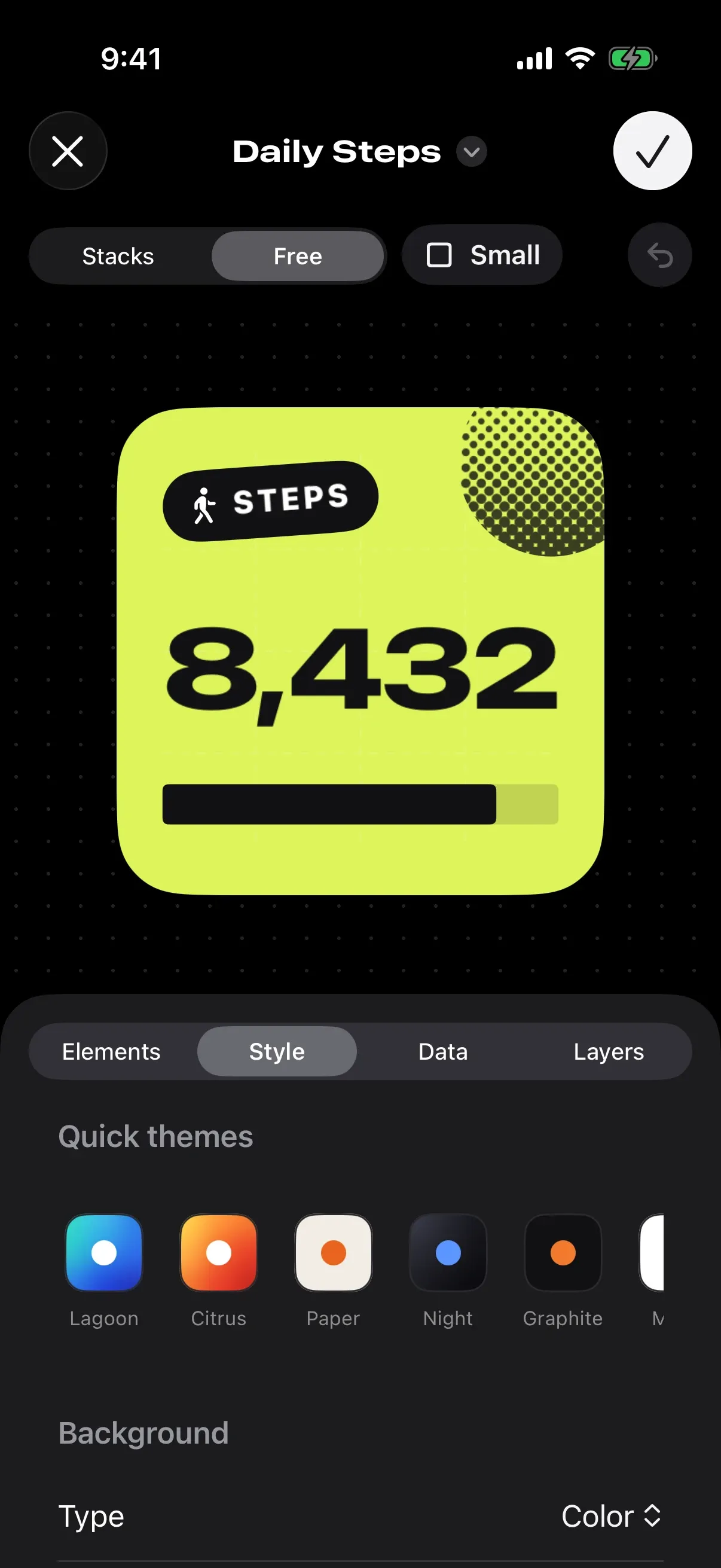
Two ways to build. Stacks for tidy rows, or Free mode on a grid with resize handles.
elements to build with
Text, numbers, rings, gauges, charts, photos, an analog clock, a month calendar, QR codes, heatmaps and more.
Draw shapes point by point and give the whole widget a custom outline.
Group, hide and lock elements, then copy and paste a style from one to another.
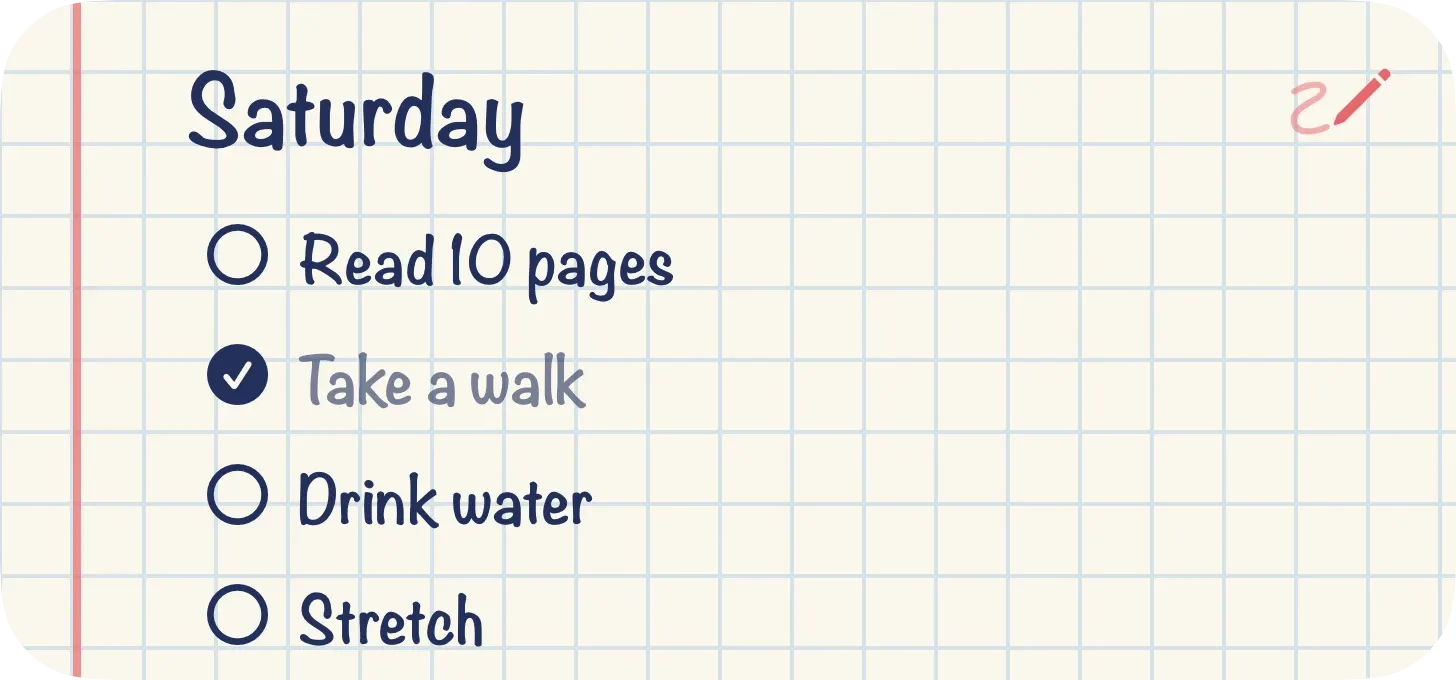
Interactive buttons and checklists that work right on the widget.
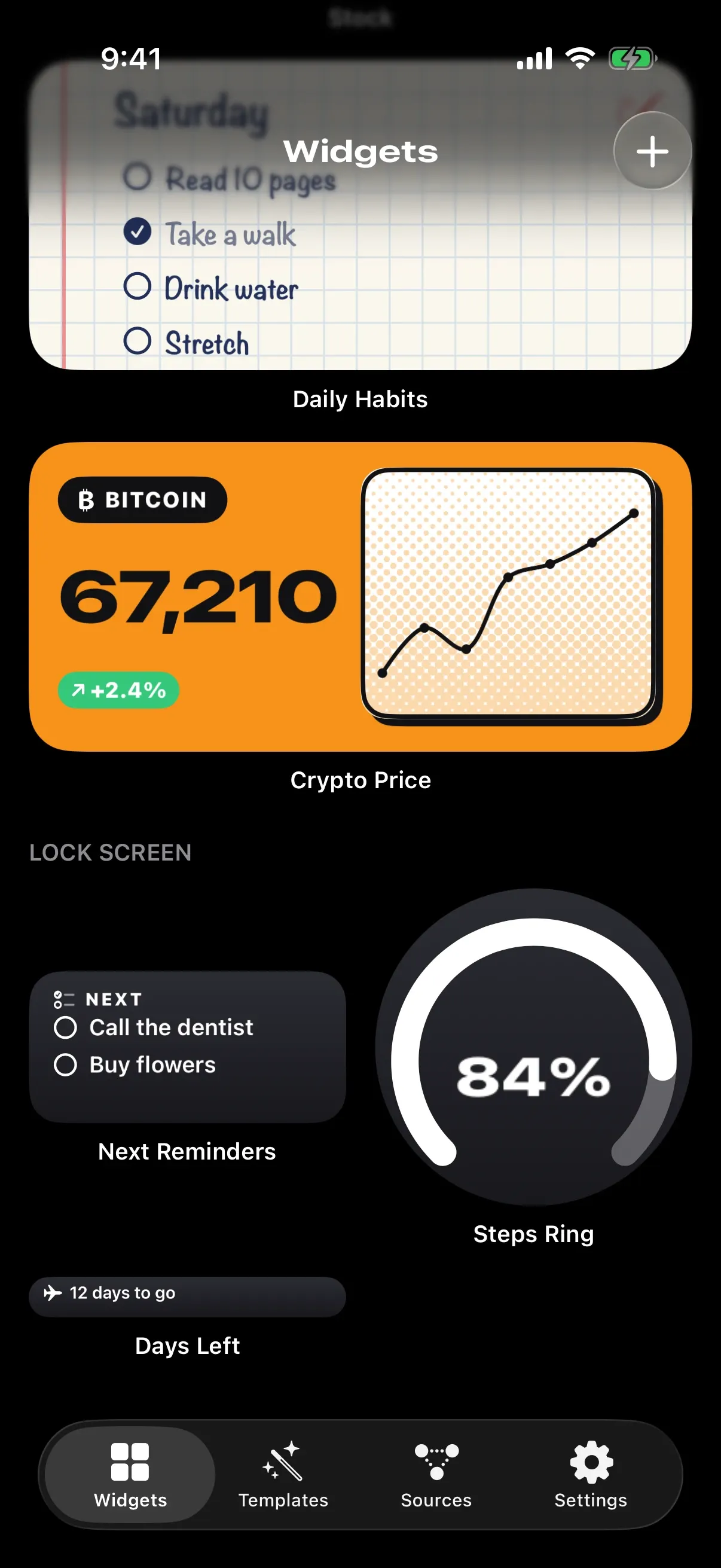
Home Screen in every size, Lock Screen, StandBy, Control Center and a countdown Live Activity.
Send any widget as a link or QR code. Locations, album photos and private fields stay with you.
29
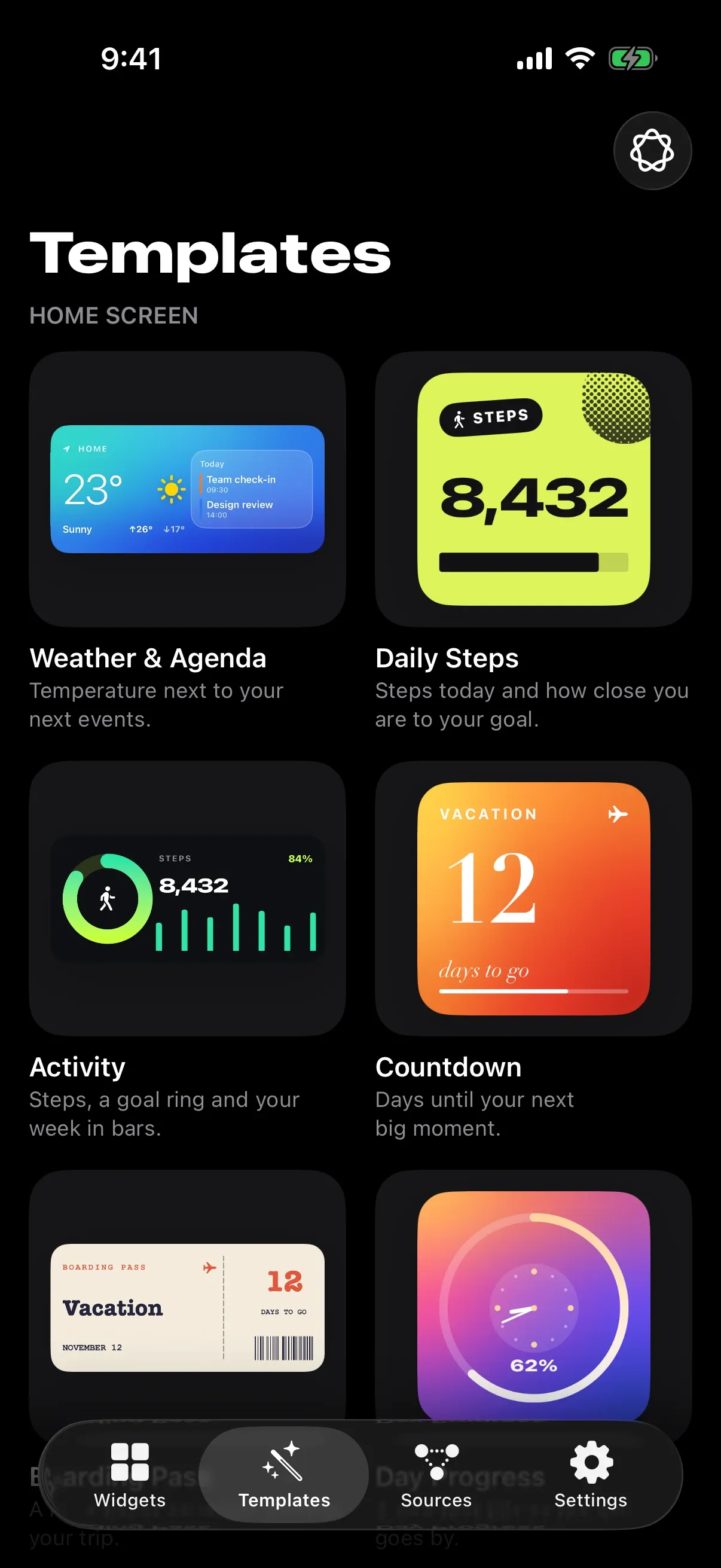
ready templates to make your own
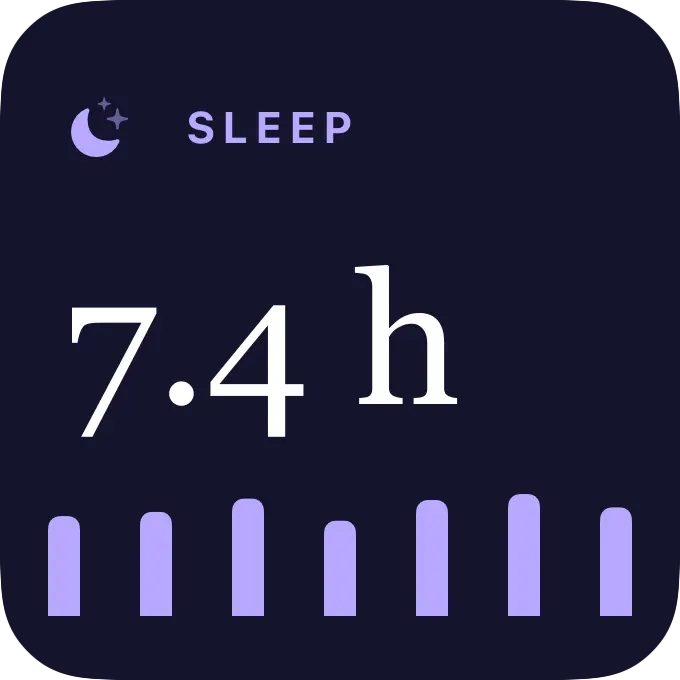
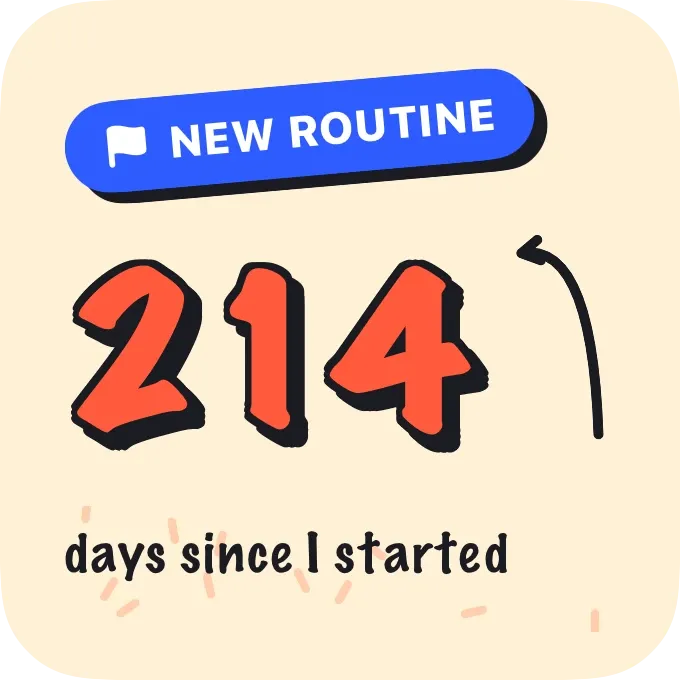
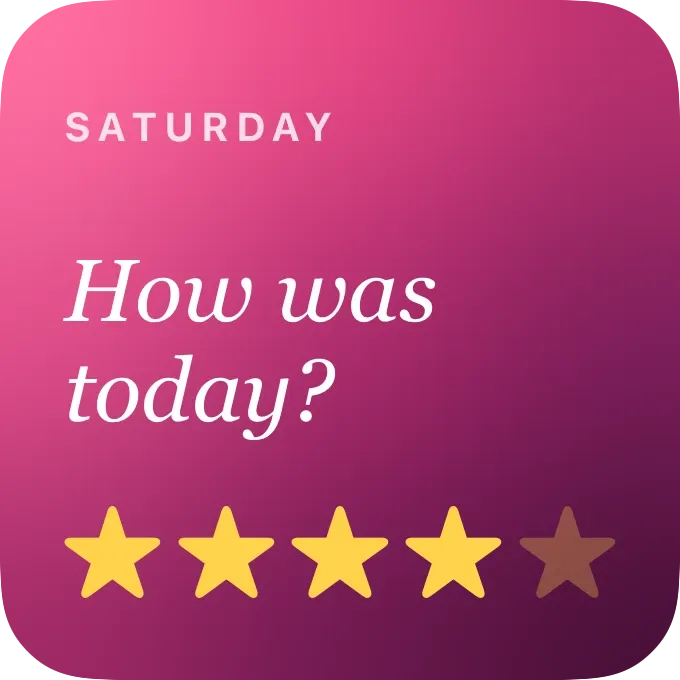
Connect any element to your data and the widget keeps itself up to date.
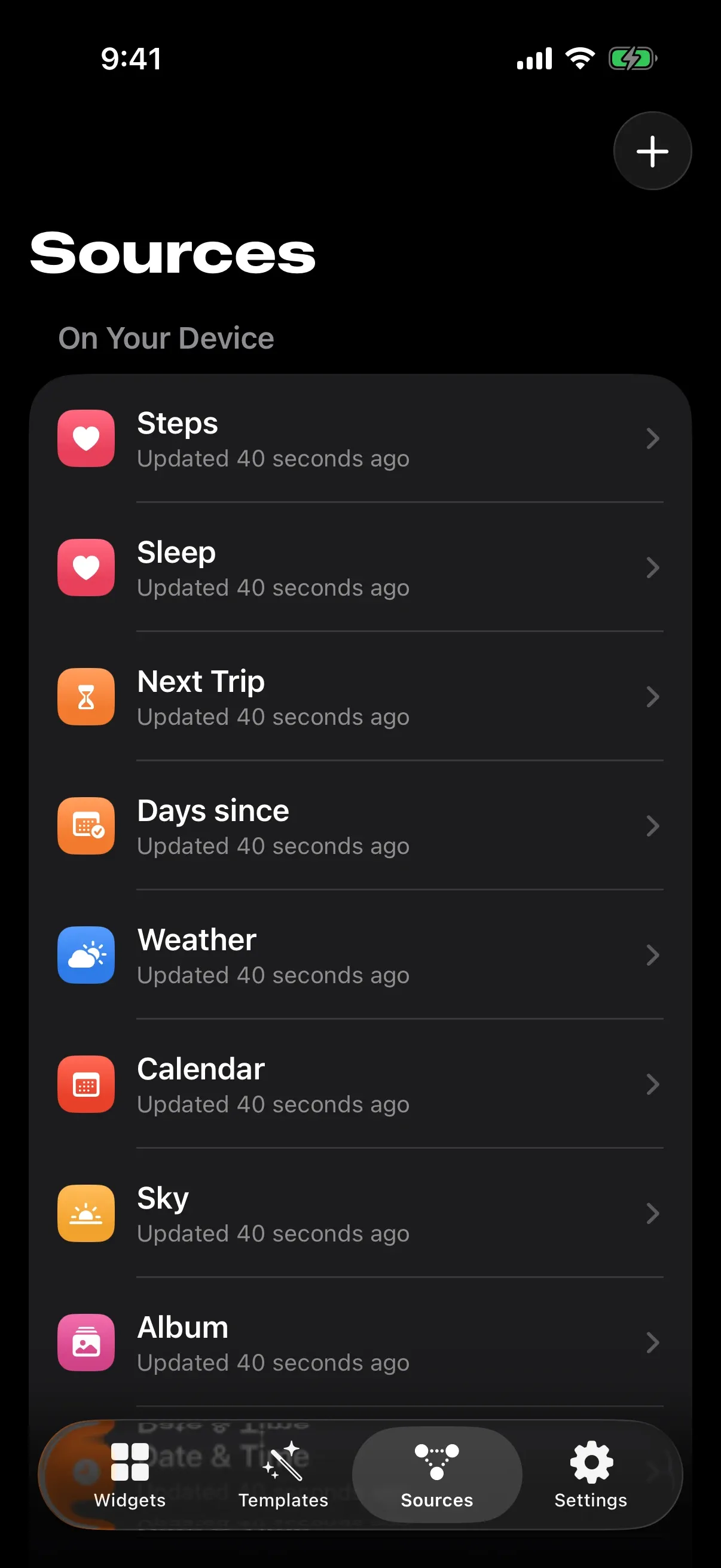
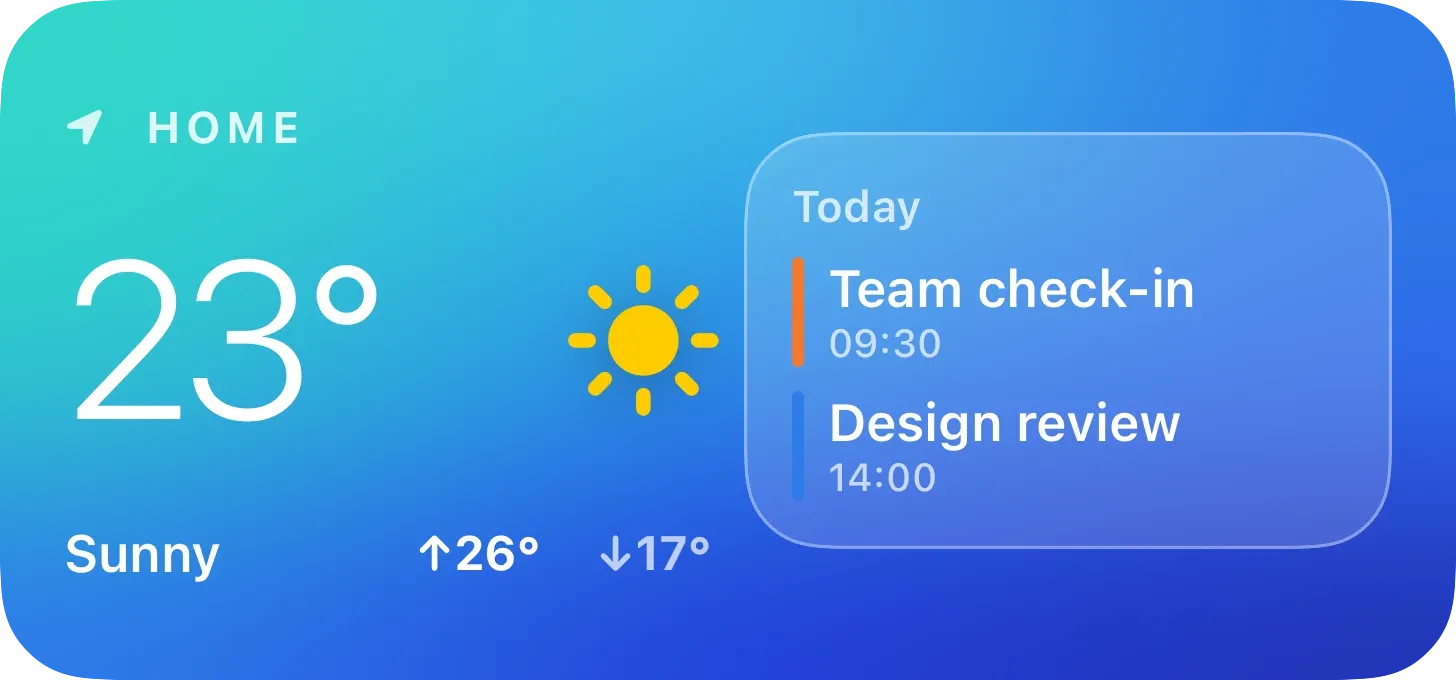
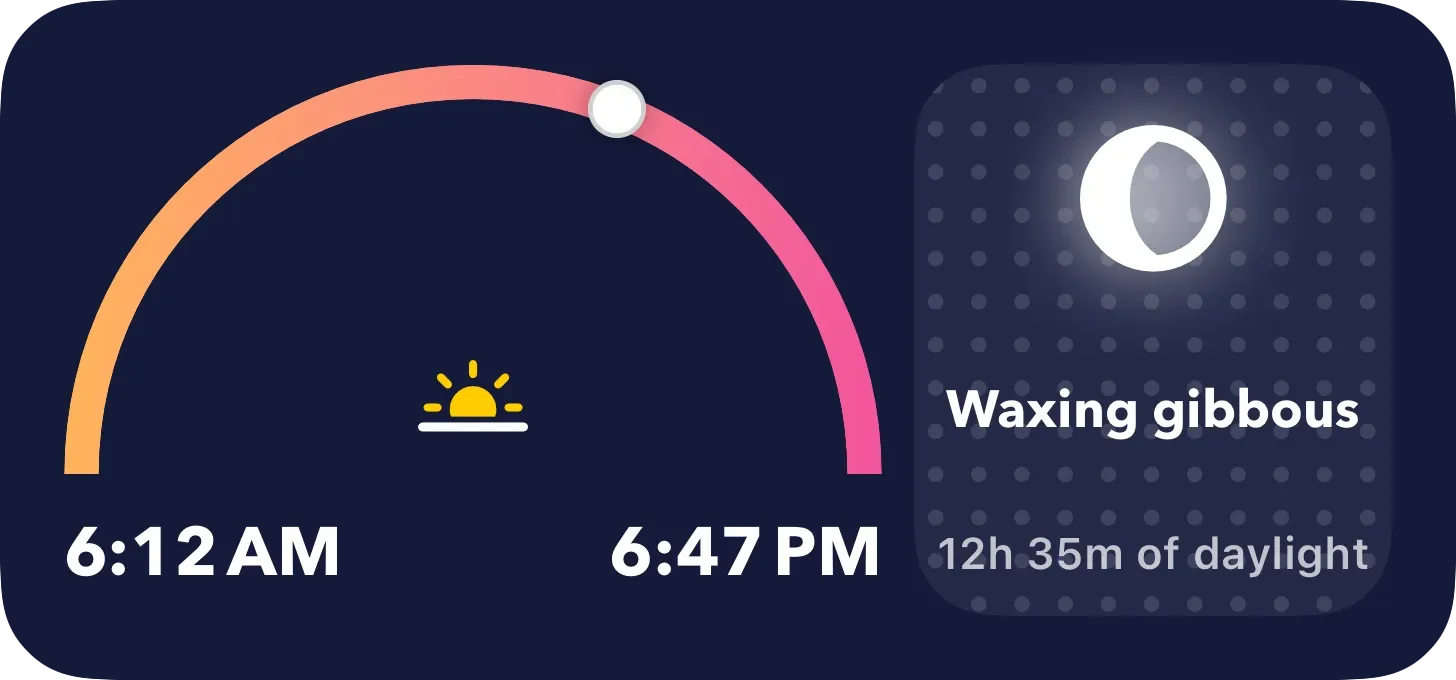
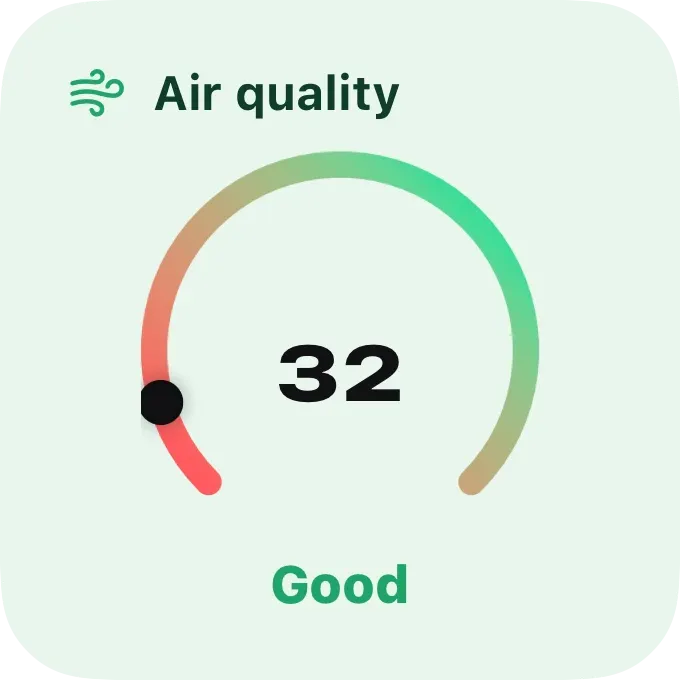
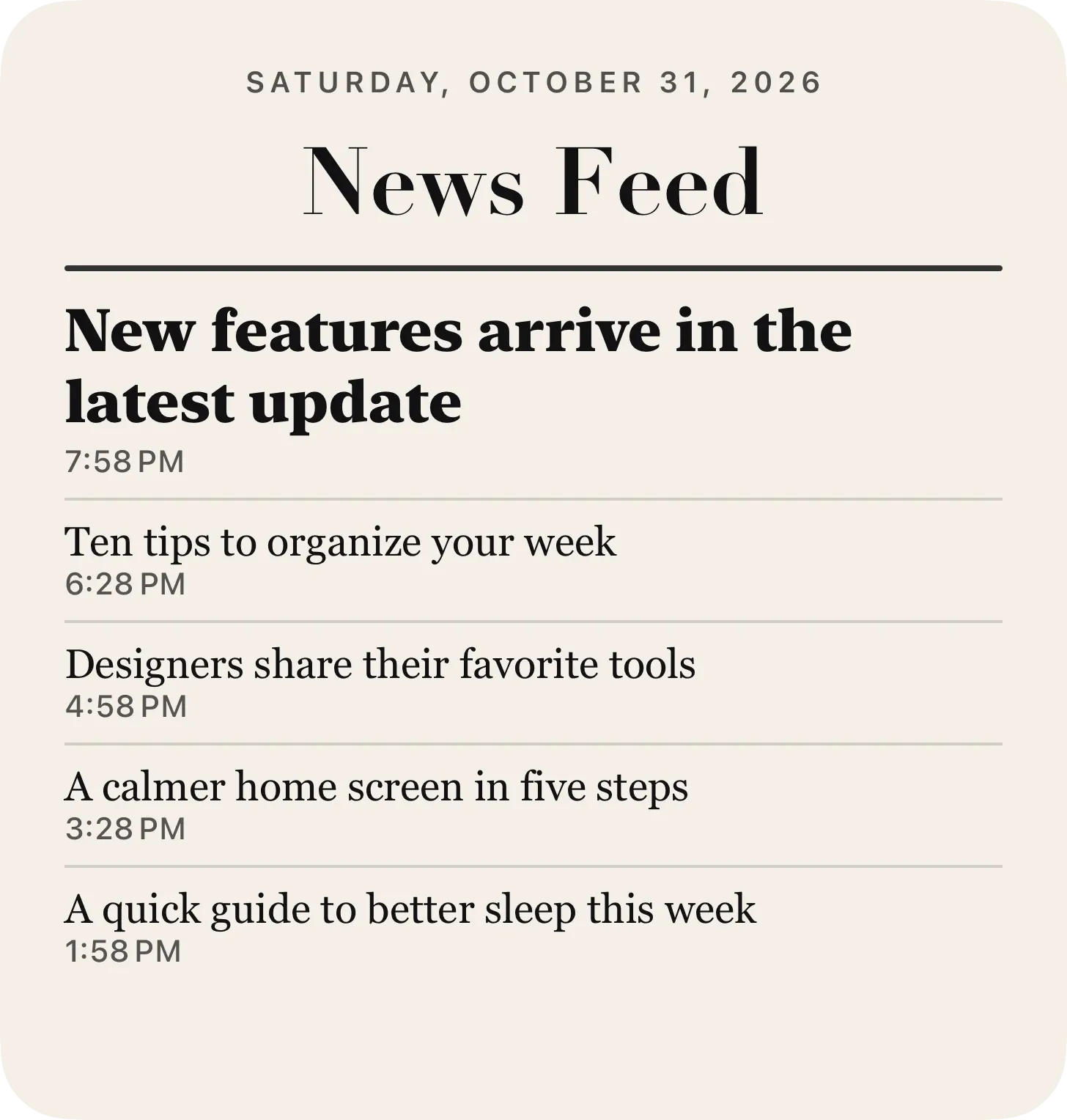
29 ready designs for health, weather, focus, money, news and more. Pick one and make it yours.
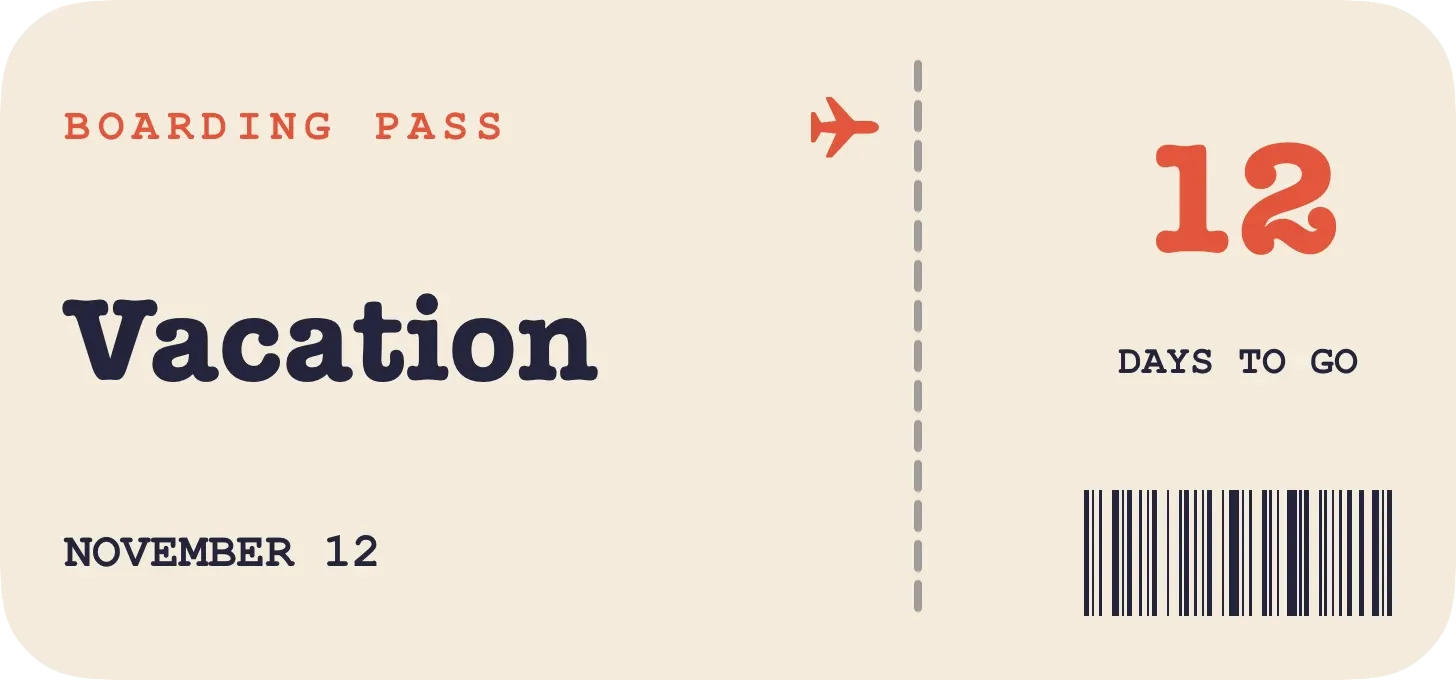
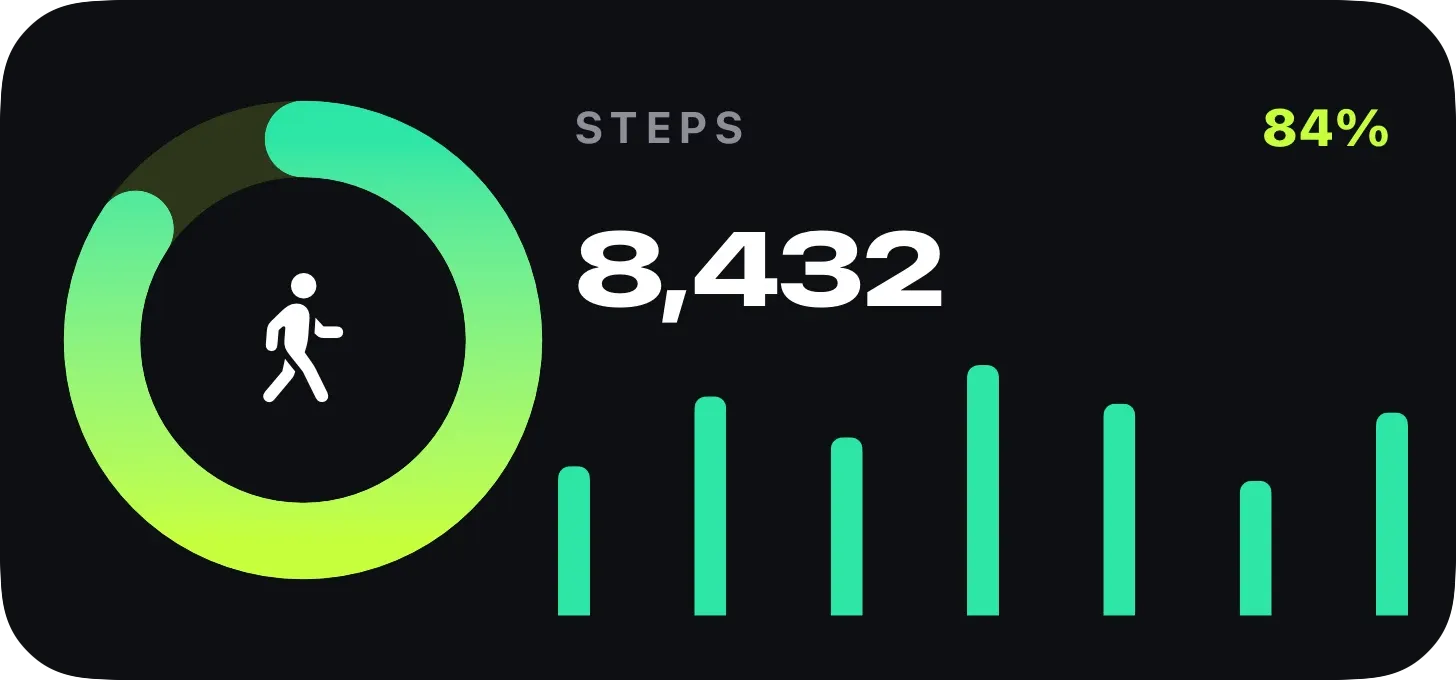
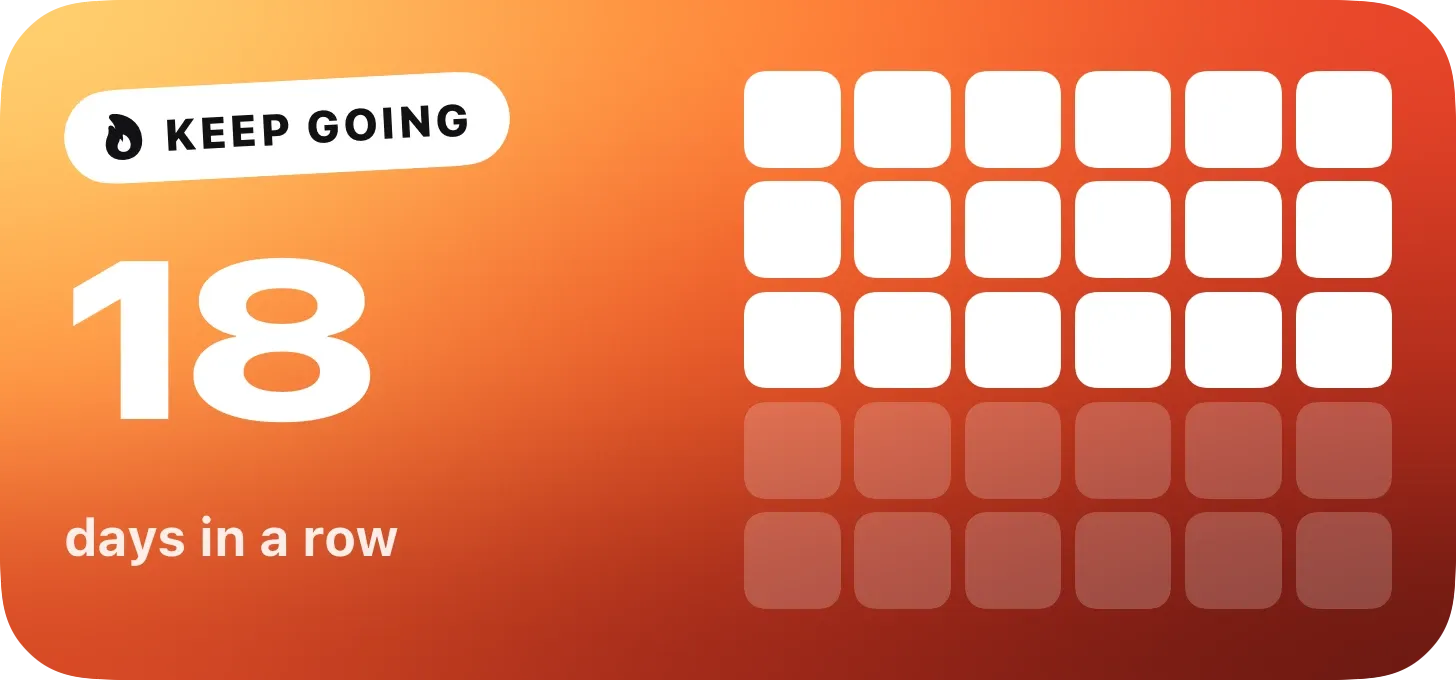
Fonts, patterns, custom shapes and effects, down to the last shadow.
Free
A monthly or yearly subscription, with a free trial on the yearly plan.
Prices are shown in the App Store for your country.
No. Your widgets and settings sync through your own iCloud.
Locations, photos from albums and private fields are removed before sharing, so only the design goes out.
No. Imported widgets never call a web service until you authorize it.
Yes, including the extra large widget size on iPad.